What is StatusKit
StatusKit brings together a customizable status page, events tracking for your service to foster communication, letting the world knows the situation is under control, allowing you to handle Incidents like a pro.
We built StatusKit to help your business offer easy-to-manage service report, and hopefully, we can achieve that for you. In 3 minutes, you can create your business’s status page, track and update incidents and enhance transparency to your customers.
Registering
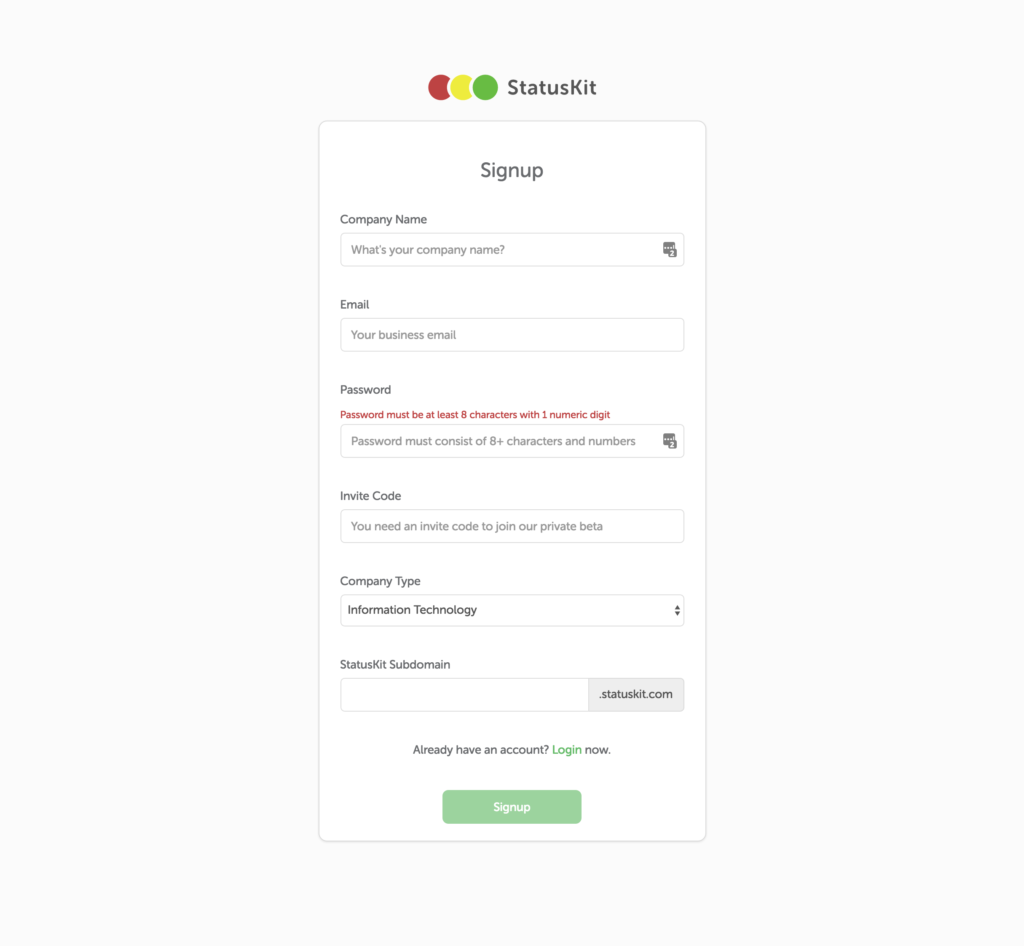
StatusKit is currently in private beta, if you would like to join our early access, please go to our website, subscribe to our newsletter and we will send you an invite code shortly. For those of you who already have an invite code, please go to our register page to begin registration.
You will be required to fill in some basic information of your business. At the end of the registration form, you need to fill in your StatusKit subdomain. This subdomain is used as the URL of your public status page.
After successful registration, you will be redirected to login.
Service Dashboard
After logging in, the first thing you will be is our Dashboard. From there, you can easily create an incident and change service status. Right now we are going to skip it. Let’s go to service dashboard page to setup your service first.
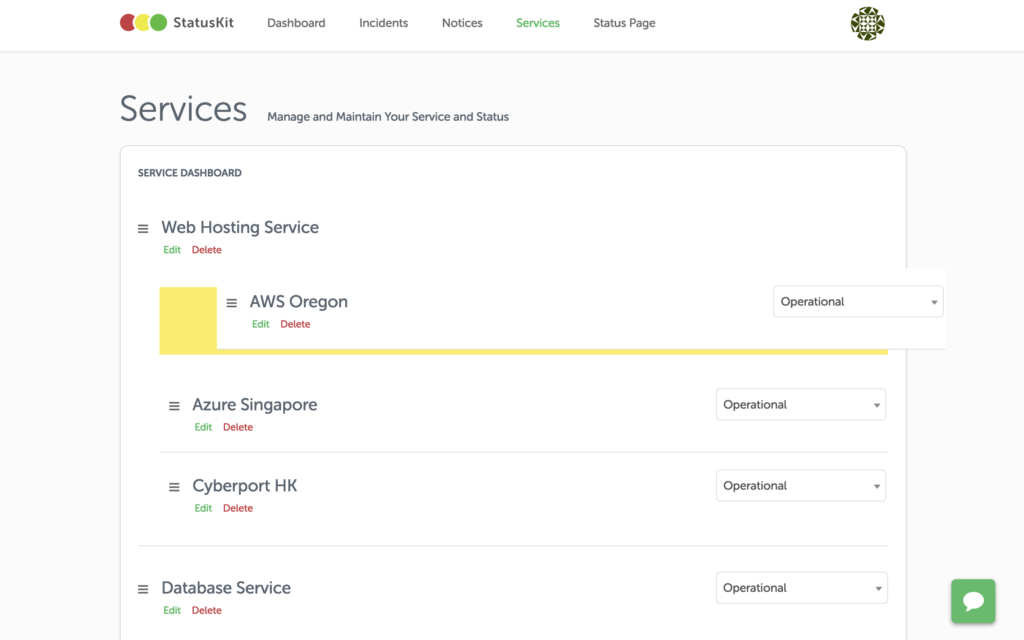
Services are infrastructure or functional part of your business, i.e. Website, API. During signup, we created some demo for you. Feel free to edit or delete them. Services can also be grouped, you can nest a service under a service using our drag-n-drop user interface.
Service Status
You can inform your customers the state of your services by using service status, i.e. operational, minor outage, open for business, maintenance. You can change a service’s status by changing the value from the dropdown menu.
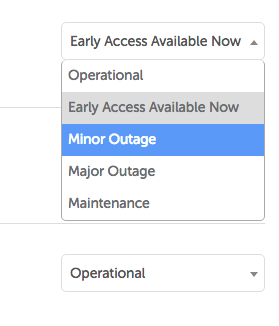
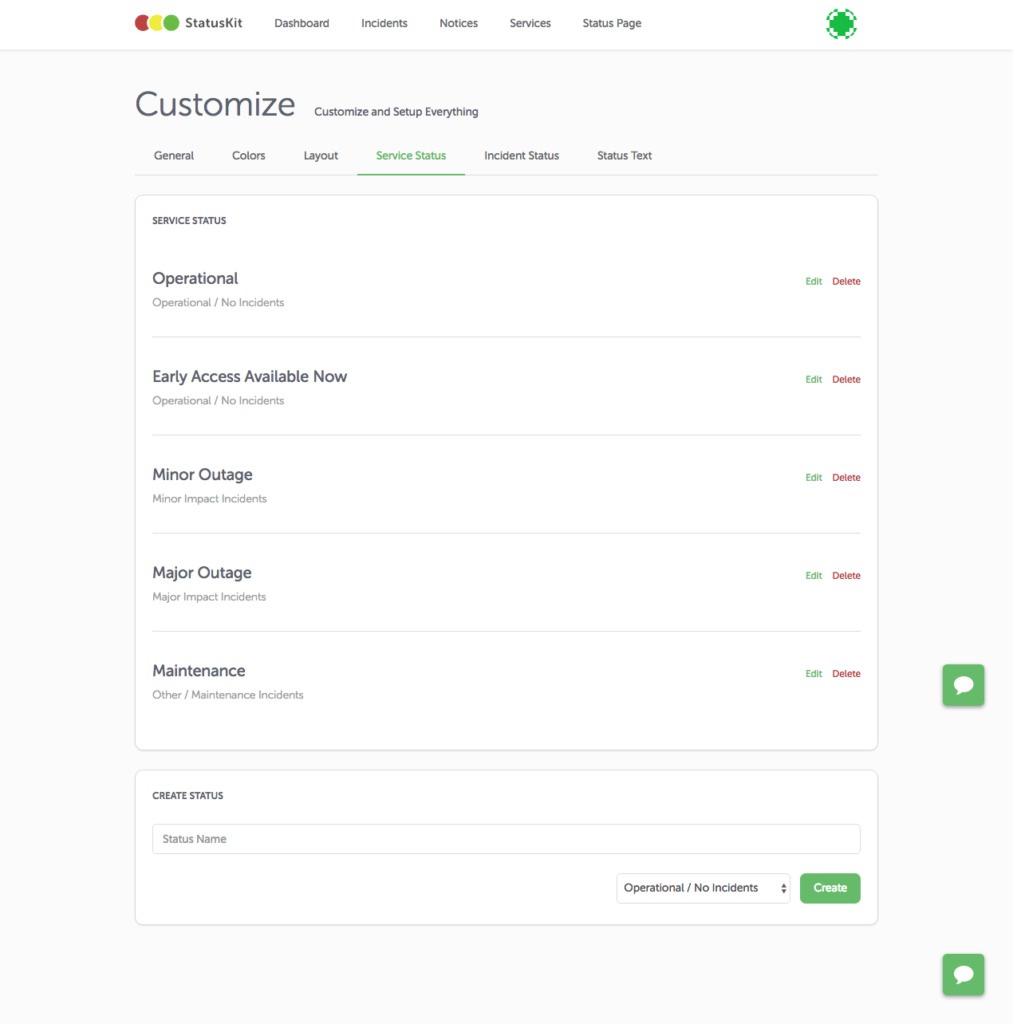
StatusKit allows you to create custom service status so that you can better describe the state of your services. You can go to customise and select service status to create as many statuses as you want.
Incidents
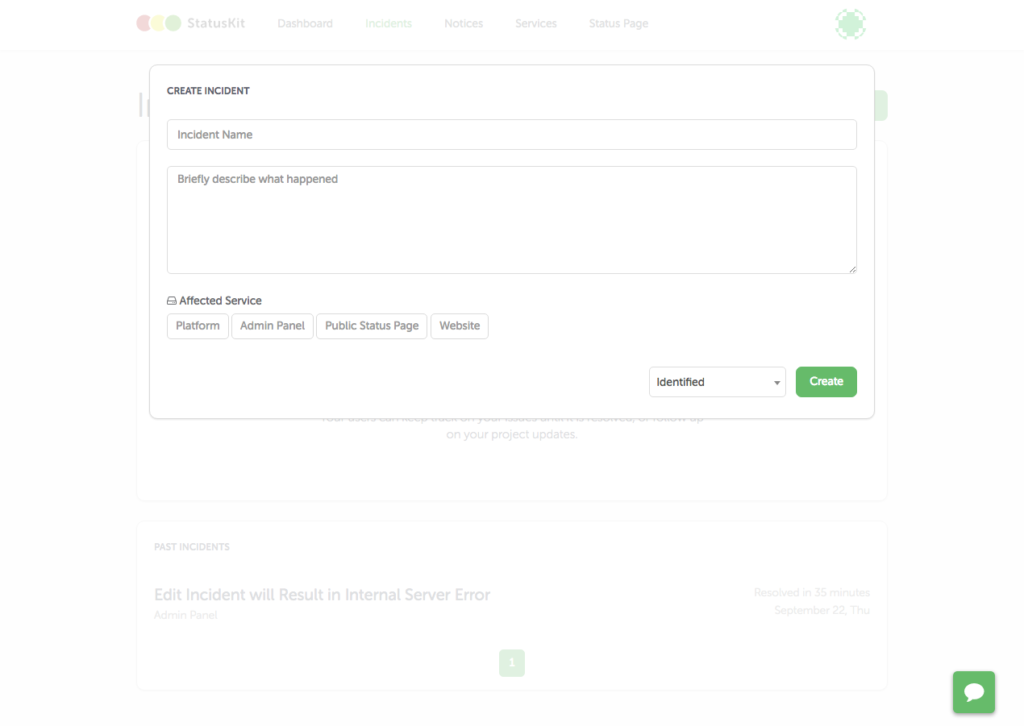
Now you have completed setting up your services, let’s go to incidents and create a sample incident. All the fields in the form are required. The drop-down menu below shows the incident status that let you set the current state of the incident.